GPT Image 2.6 Sunburst — Create images, refine the details
Create images from a written brief or edit with reference photos using GPT Image 2.6 Sunburst. Choose 1K, 2K or 4K, up to 16 references, and a batch of 1–4 static PNG images.
8 credits for this request
Creative directions and prompt starters
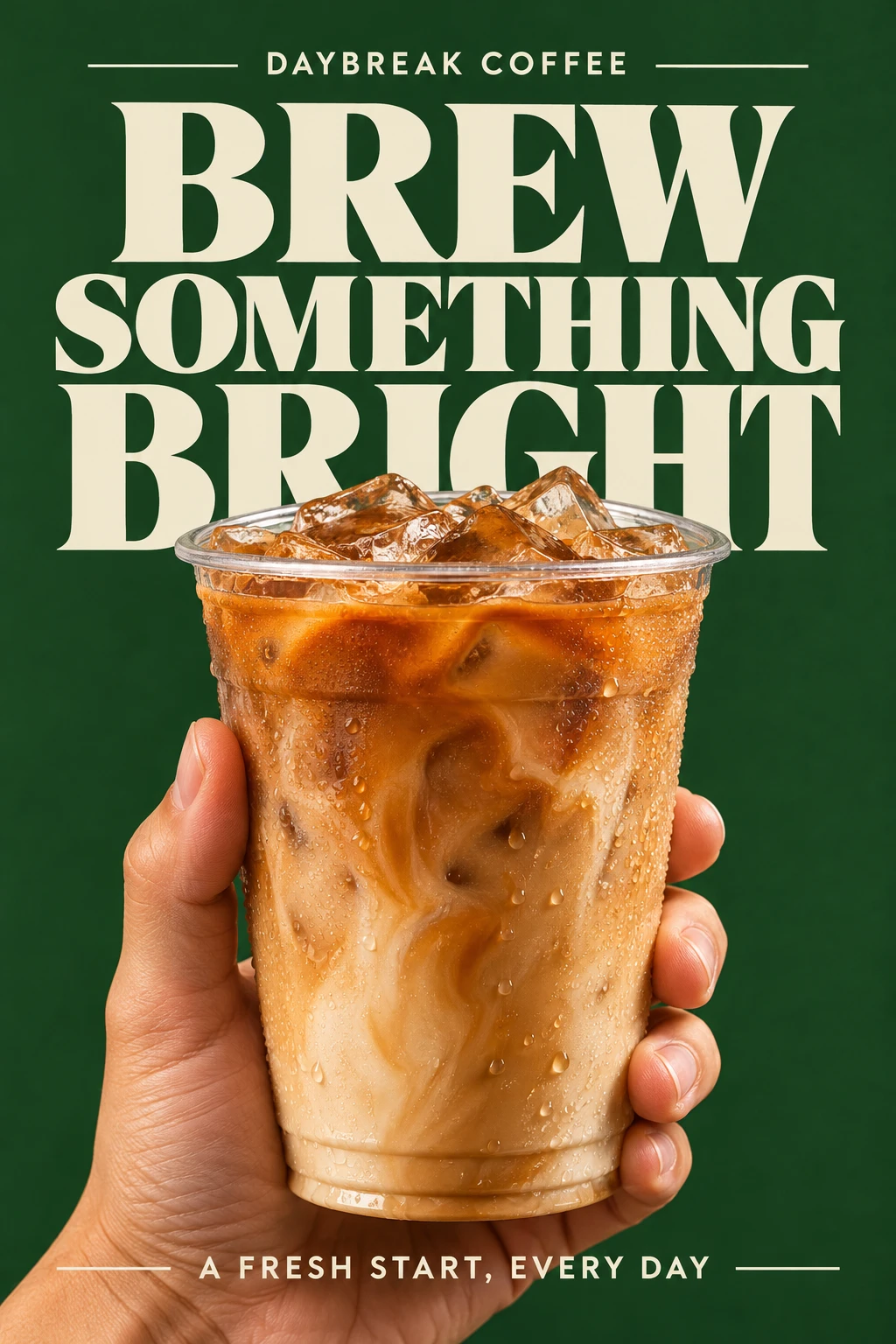
Explore product advertising, expressive typography and reference-led edits. Use these visual directions to shape your own creative brief.
The GPT Image 2.6 Sunburst image workflow
Text to image
Describe the subject, scene, lighting and composition in a clear creative brief.
Reference-led edits
Add up to 16 reference images and specify what to change and what to preserve.
Batches of 1–4
Choose one to four still images per request and check the displayed credit total.
Resolution choices
Choose 1K, 2K or 4K. Pixel dimensions depend on the aspect ratio and provider rules.
Static PNG output
Download still PNG images to use in your next layout, presentation or post.
Recoverable tasks
Reload to continue the same task. Results are delivered after the safety review completes.
A clear creative brief for GPT Image 2.6 Sunburst
Create images from a written brief or edit with reference photos using GPT Image 2.6 Sunburst. Choose 1K, 2K or 4K, up to 16 references, and a batch of 1–4 static PNG images. Start with a clear direction, then compare composition, lettering and product details using the same brief and reference.
Make each request clear
Describe the intended result, then refine the brief after reviewing the output.
Define the scene
Start with the subject, use case, composition and lighting. Avoid conflicting instructions.
Name the edit
When using references, identify the requested change and the details to preserve.
Review the result
Inspect faces, logos, labels and small text at full size before using an image.
The other models
Try the same prompt with another AI image model.
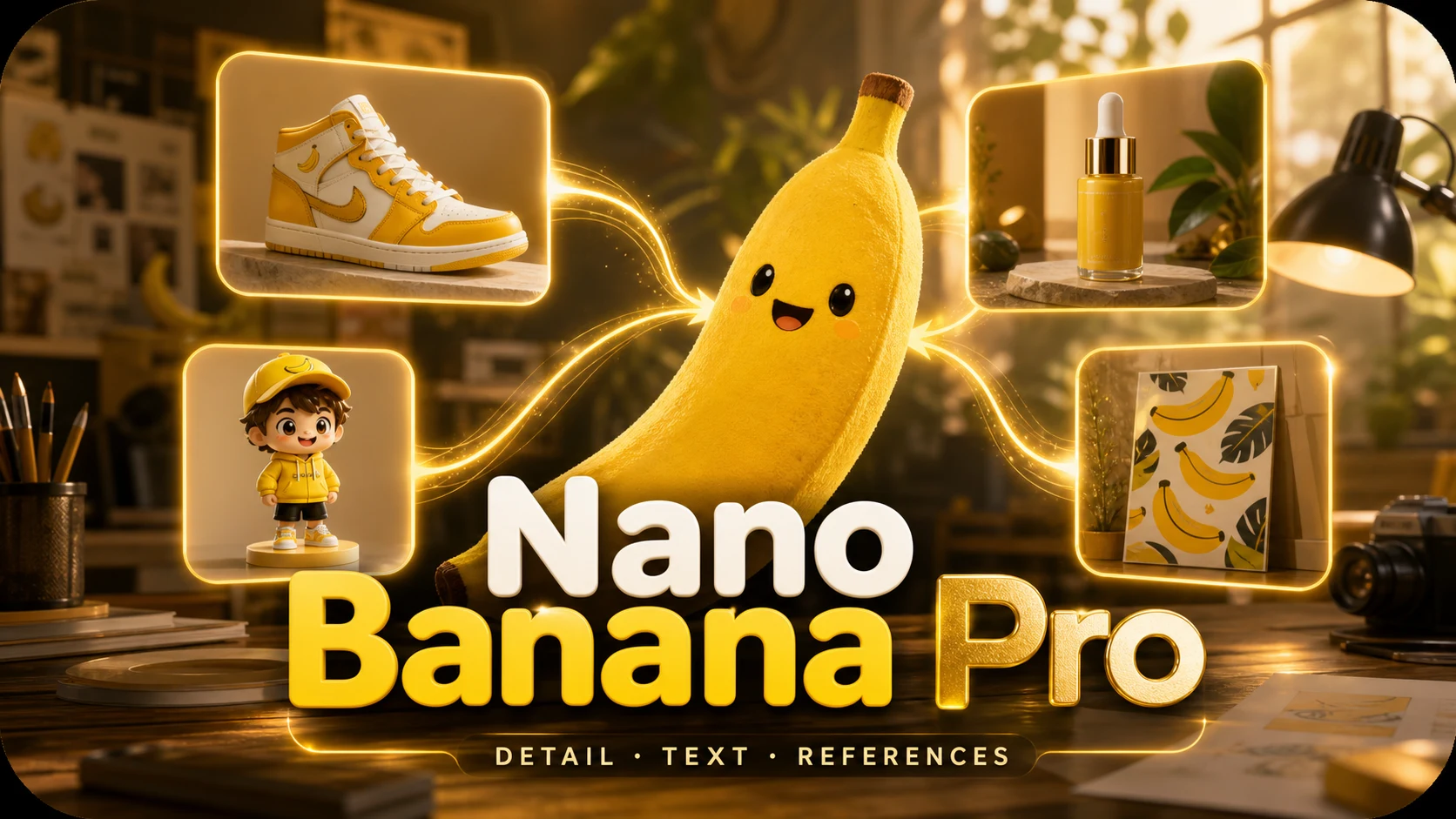
Start here for a single-image concept or reference-led revision. Compare lettering and fine detail against your brief before using the result.
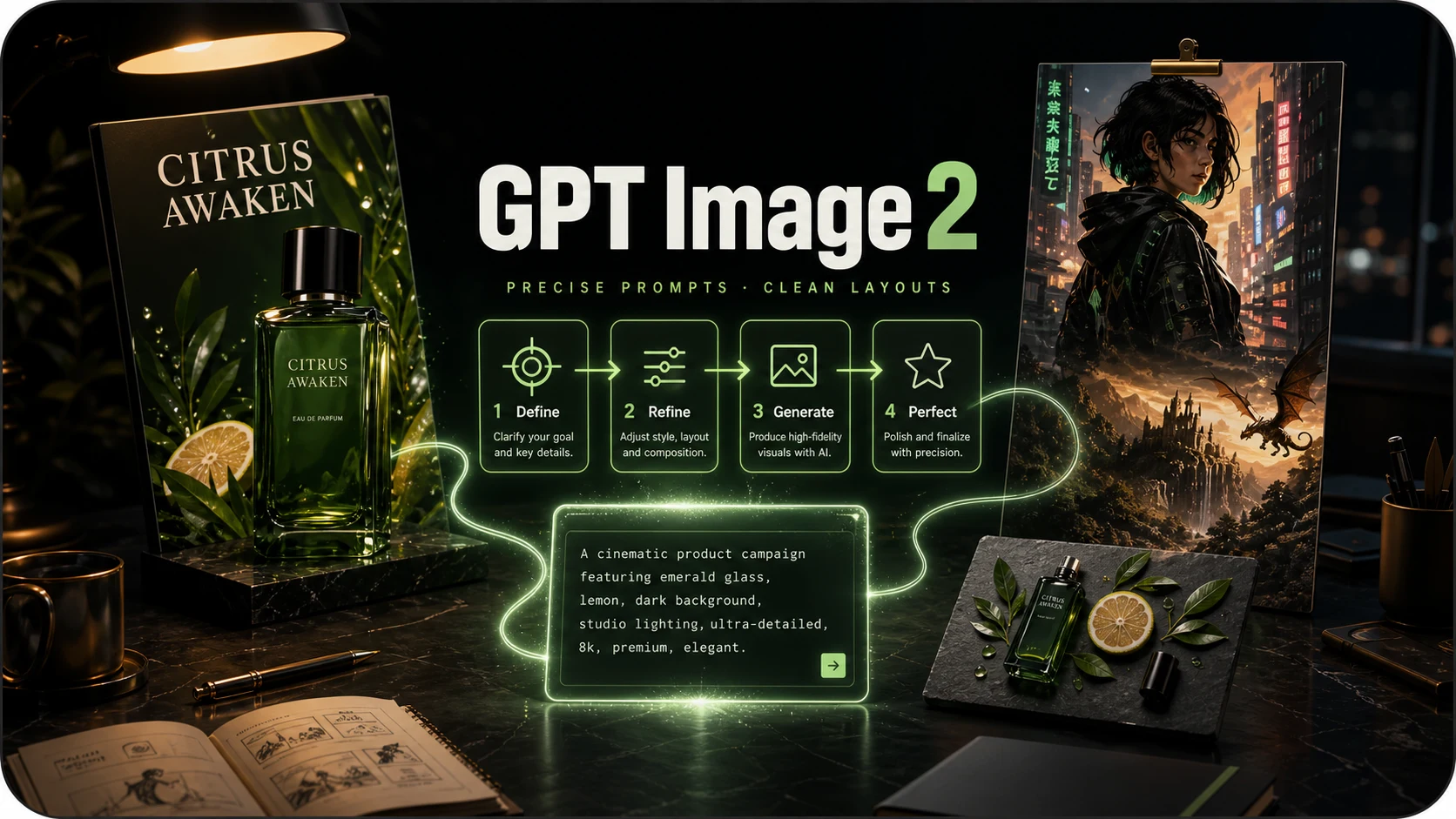
Consider this option for instruction-led illustrations and layouts. Compare its request quote with the GPT Image 2.6 variants.
The provider positions Flare for faster iteration. Use it to explore alternatives, then review the actual result and completion time for your brief.
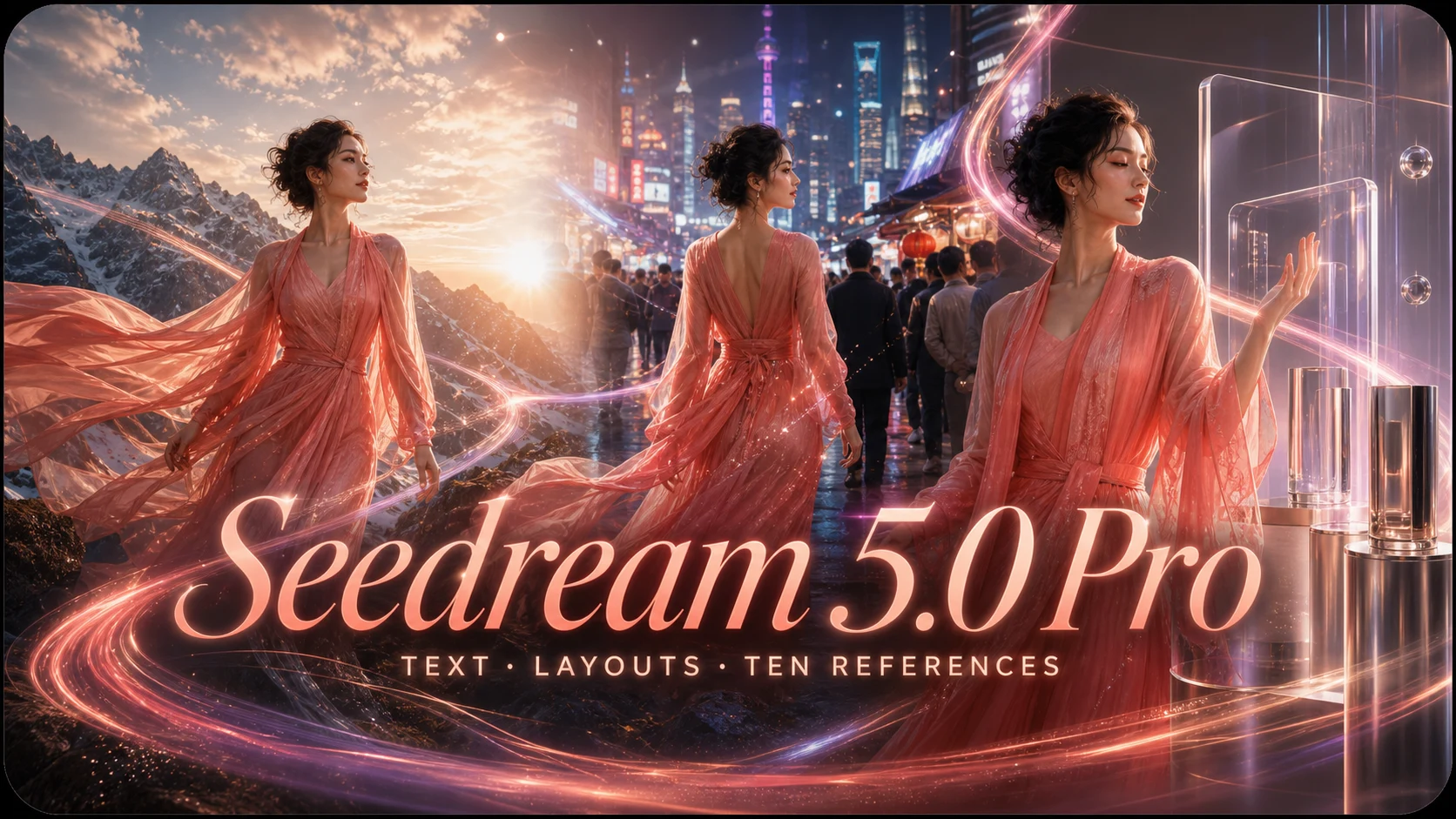
Consider this option when combining several visual references for a layout or product concept. This workspace offers 1K and 2K settings.
Questions before you create
Check input requirements, output scope and task status.
How do Flare and Sunburst differ?
The provider positions Flare for faster iteration and Sunburst for detail and editing consistency. Timing and output quality vary with each request; no fixed completion time is guaranteed.
How many references can I use?
Both variants accept up to 16 references. This site accepts JPEG, PNG or WebP files up to 10 MiB each. Sign in and finish uploading before submitting.
Can I generate GIF or SVG files?
The editor currently creates still PNG images. GIF, SVG, masks and markup-guided editing are not available here.
What happens when a request fails?
Check the original task before resubmitting. Confirmed failures enter the credit refund flow. If the service is unavailable, follow the task notice before trying again.
Start your next image with GPT Image 2.6 Sunburst
Write your idea, add references when needed, and review the credits and output settings before submitting.