Style Transfer
Upload a photo, choose a visual style, and get a new rendering that keeps the same subject and composition.
6 credits for this request
Try an example
How to Apply AI Style Transfer to a Photo
Turn a photo into art online while preserving the recognizable subject and composition. Choose a style, run the transformation, and compare both versions.
- 01
Upload a clear source image
Add one JPG, PNG, or WebP. A clear subject and a well-exposed image give the model more useful detail to work with.
- 02
Choose an illustration, watercolor, anime, or 3D style
Pick the visual language you want. The model uses it as the new rendering direction while keeping the source image as its structural guide.
- 03
Run the tool and download
Start the edit, compare the before and after, then download the finished image or find it later in My Creations.
Choose the workflow for your task
Choose style transfer to reinterpret an existing picture as illustration, watercolor, anime or 3D artwork. Check identity, lettering and recognizable details. If you want to keep the photographic treatment and change a specific object or setting, use image-to-image.
Choose the model after the task. Reference limits and output settings vary, and each new request uses the credits shown in the editor. The model guide and pricing page explain those choices.
The other tools
Continue editing the same image with another focused AI tool.
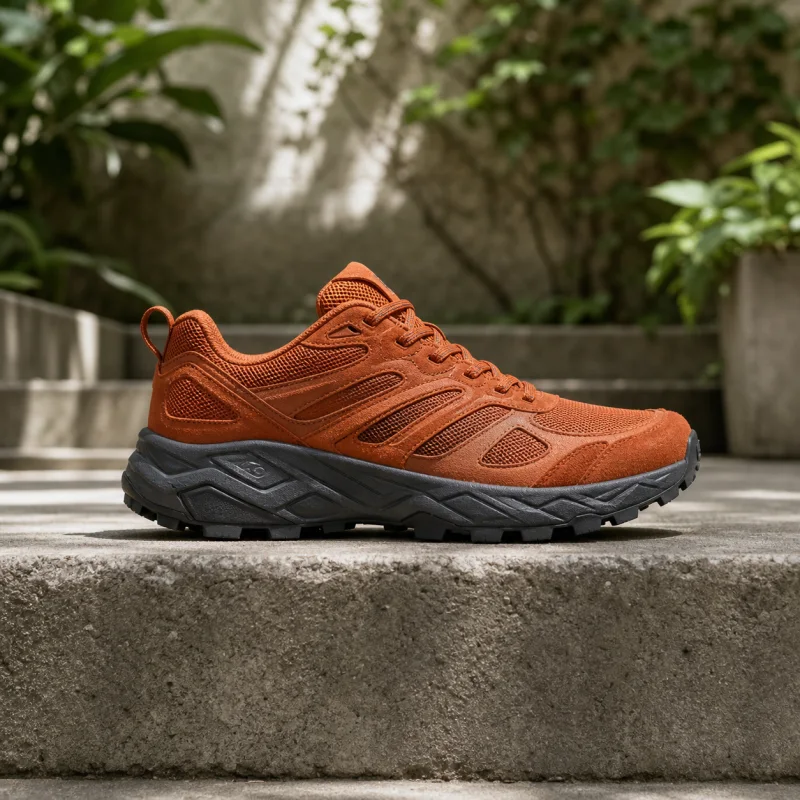
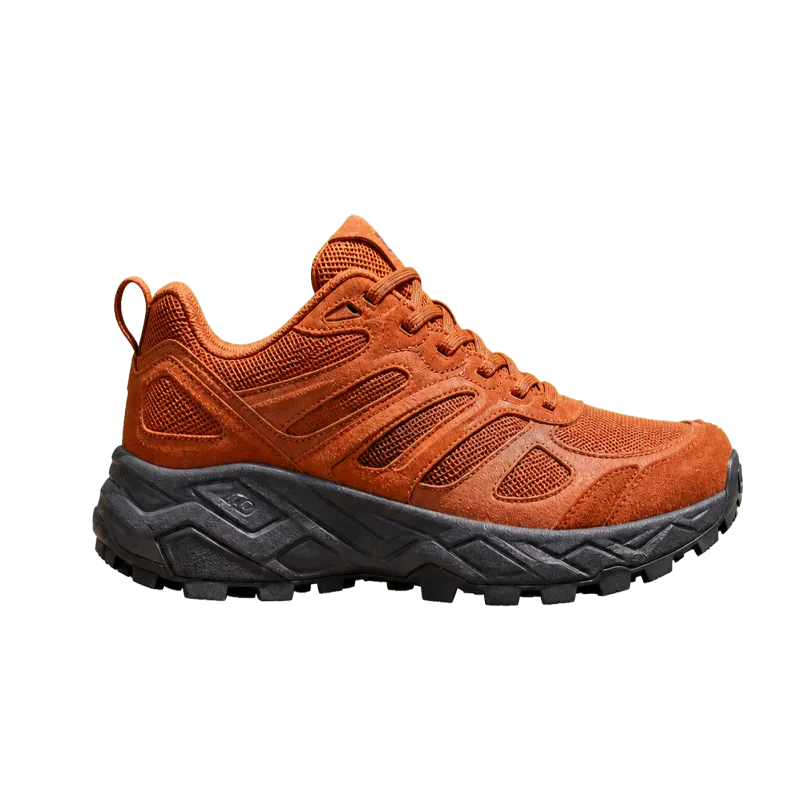
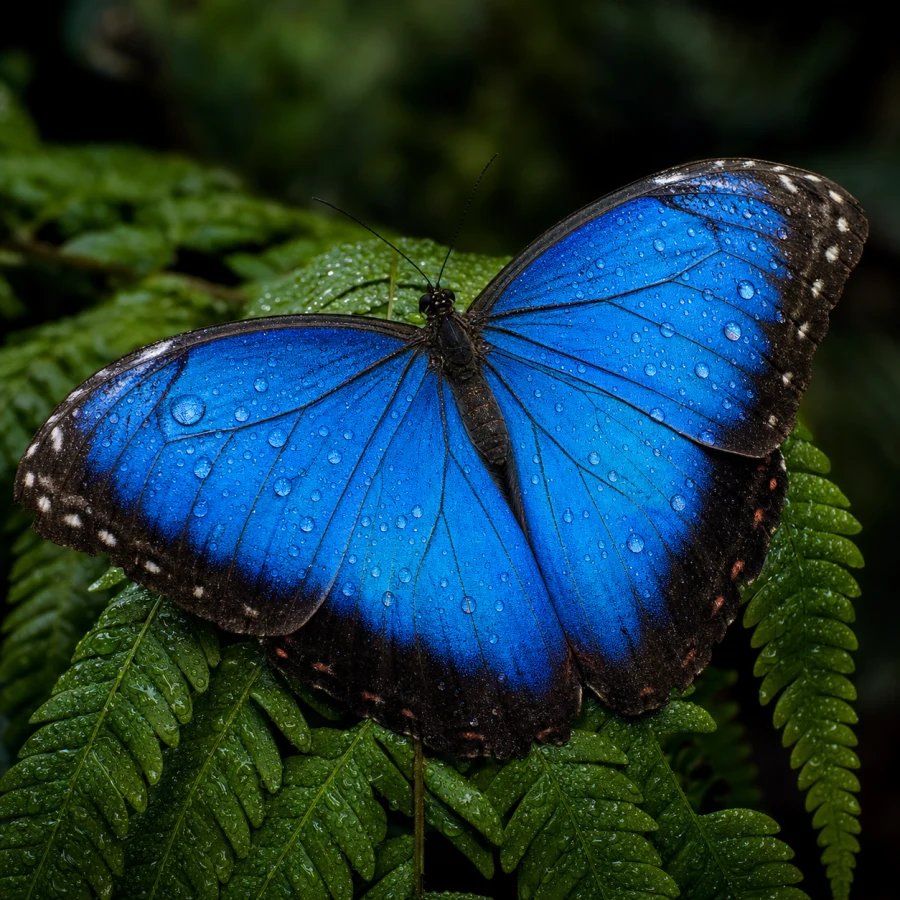
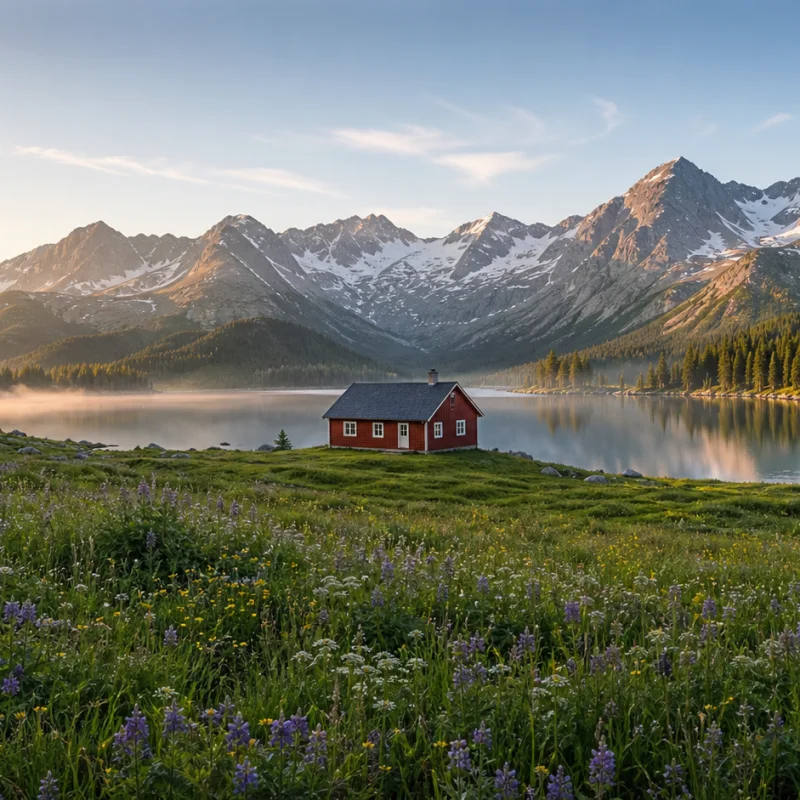
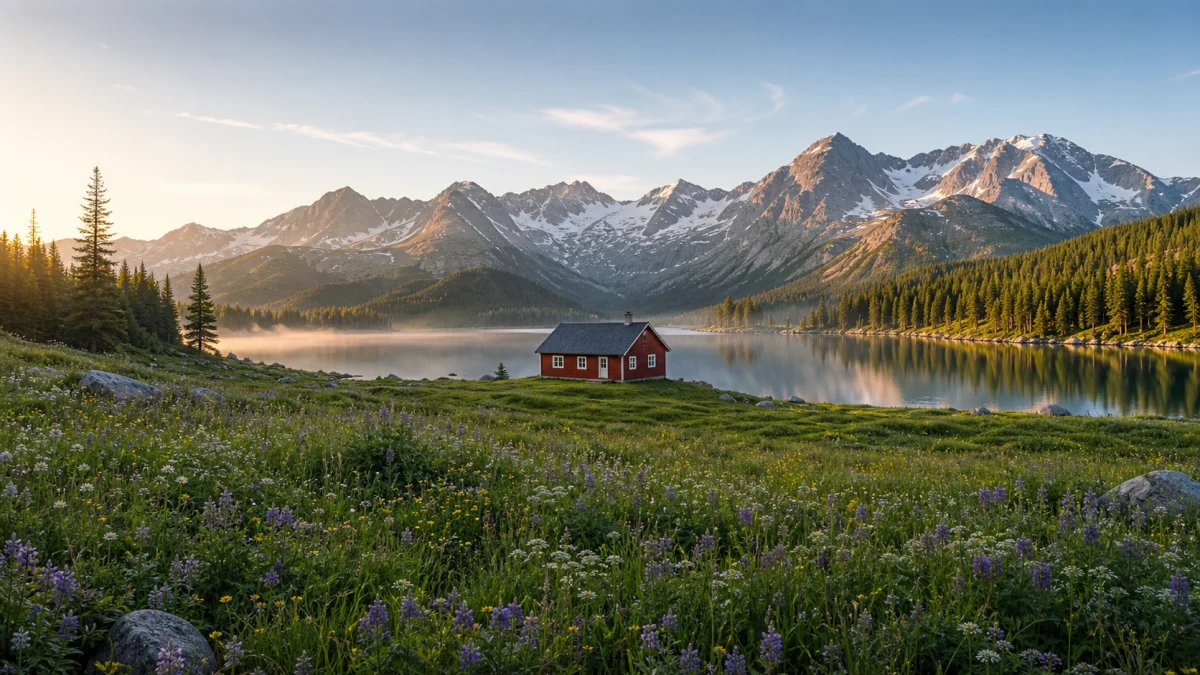
Style transfer FAQ
Answers about photo-to-art conversion, available styles, identity preservation, source images, filters, cost, and private uploads.
What stays the same?
The tool asks the model to preserve the subject, identity, pose, composition, and important details while changing only the visual treatment.
Which styles are available?
Choose editorial illustration, watercolor, anime, or a polished 3D animated-film look from the style menu.
What does one transformation cost?
Credits depend on the selected model, output size and reference image. Review the displayed request total. Credits are reserved at submission; confirmed failures return them.
What happens to the image I upload?
Uploads and results are saved to your creation library and are not added to a public gallery. Anyone with an image link may be able to view it.
How is AI style transfer different from a photo filter?
A filter mainly changes colour and contrast. AI style transfer redraws textures, shapes, edges, and materials while using the original subject and composition as a guide.
Can style transfer preserve a person's face?
It aims to keep identity, pose, and framing recognizable, but stronger styles can alter small facial details. Use a sharp, front-facing source when likeness matters most.
Turn a Photo into Art with AI
Upload a portrait, product, place, or object and restyle it as an illustration, watercolor, anime image, or polished 3D render.